
SoftMaker Office 2026 / NX revision 1504.0918 has been released
SoftMaker Office 2026 rev. 1504.0918 is available through automatic updates. Pricing starts at $39.90/y (MSRP $49.90/y) for SoftMaker Office NX Univeral or $129.95 (MSRP $149.95) for SoftMaker Office Professional 2026 perpetual license. This update is free for all previous SoftMaker Office 2026/NX users. SoftMaker Office 2024 or older, Kingsoft Office, BinaryNow Office, Encore Office Suite or 602PC SUITE users qualify for an upgrade discount. New users can download a free trial from: https://alternative2office.org/downloads/.
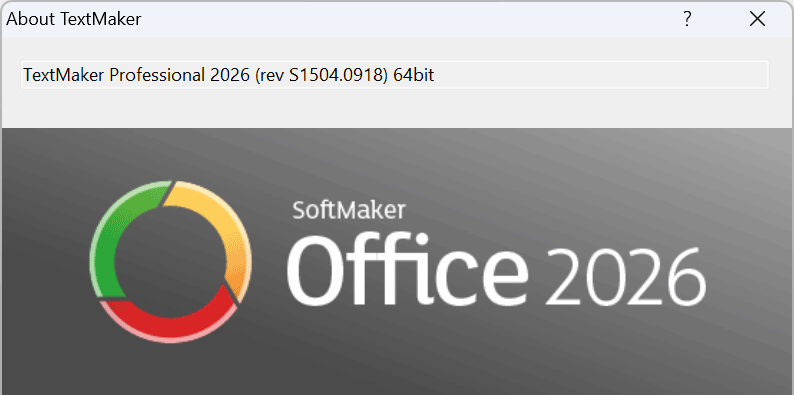
The list of new features and bug fixes in build #1504 of SoftMaker Office 2026 and SoftMaker Office NX is as follows:
- Printing: SoftMaker Office now support the system’s default duplex-printing setting.
- Printing: Single-page documents are no longer printed on both sides when duplex printing is enabled.
- Dark mode: The active document tab is now easier to identify.
- TextMaker: Fixed a crash that could occur when opening certain documents.
- TextMaker: Fixed a crash that could occur during grammar checking with LanguageTool.
- TextMaker: All translation commands are now available from the context menu.
- PlanMaker: The COUNTIF function is now compatible with Excel, including edge cases.
- TextMaker: When creating PDF forms, form object names are now exported to the PDF file.
- Afrikaans: The Hunspell dictionary can now be installed.
- TextMaker for Mac: When dictation mode is enabled, Ctrl+Tab can now be used to insert a tab character in table cells.
- Presentations for Mac: Fixed an issue that prevented text from being entered in the notes pane when dictation mode was enabled.
Automatic updates
By default, SoftMaker Office 2026/NX for Windows keeps itself up-to-date by automatically downloading service packs. If you have not installed the automatic update tool or simply want to know if your version of SoftMaker Office is current, you can also check for updates manually.
Start one of its applications, click on the “?” icon on the top bar at ribbon and choose the command Check for updates. If you are running SoftMaker Office 2026 in classic mode with menus, choose the command Help > Check for updates.
Learn more and purchase SoftMaker Office 2026 here.
0 Comments