
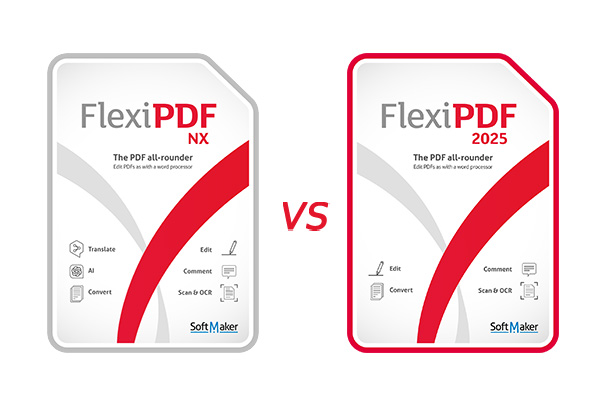
Compare SoftMaker FlexiPDF NX vs FlexiPDF 2025
SoftMaker FlexiPDF is is available in 2 licensing options: FlexiPDF NX is an annual subscription that includes AI tools and DeepL translations, and FlexiPDF 2025 is a perpetual one-time purchase license that gives you permanent access to core PDF editing and OCR. Both NX and 2025 editions are powerful, 64-bit and 32-bit alternatives to Adobe Acrobat, sharing the same core functionality.
For a complete FlexiPDF features list visit:
https://alternative2office.org/softmaker-flexipdf-features/
For free trial download visit:
https://alternative2office.org/downloads/
To purchase FlexiPDF NX license:
https://alternative2office.org/buy-now/softmaker-subscriptions/
To purchase FlexiPDF 2025 license:
https://alternative2office.org/buy-now/
Scope of license
Non-commercial use: You and the members of your family are entitled to using one license on up to three computers at the same time, as long as these computers belong to the same household.
Commercial use: Each license may only be installed and used on one computer. Every user of that computer may use the software, but only 1 (one) user at any given time. Secondary use right: The single primary user of that computer is additionally entitled to use the software on a portable computer. More at Licensing FAQ.
AI limit: Usage volume of the FlexiPDF NX annual version: 1 million characters per year for translations and 5 million characters per year for AI.
Here is a quick comparison table. If you have any questions, let us know!
FlexiPDF NX
- For up to 3 Windows PCs
- Edit PDFs as if you were working with a word processor
- Create PDFs from all Windows programs using the virtual printer
- Optional dark user interface that reduces eyestrain
- Create interactive forms
- OCR function for converting scanned pages into editable PDFs
- Create PDF/A files for archiving
- Digitally sign PDFs
- Compare two PDF files and highlight the differences
- Always up-to-date with the latest features and functions
- Automatic translation of entire PDF pages via DeepL, retaining their original layout *
- Automatically summarize PDFs using ChatGPT *
FlexiPDF 2025
- For up to 3 Windows PCs
- Edit PDFs as if you were working with a word processor
- Create PDFs from all Windows programs using the virtual printer
- Optional dark user interface that reduces eyestrain
- Create interactive forms
- OCR function for converting scanned pages into editable PDFs
- Create PDF/A files for archiving
- Digitally sign PDFs
- Compare two PDF files and highlight the differences
0 Comments